Smart MDB Exporter
Export Microsoft Access databases (.mdb / .accdb) to clean CSV or a native SQLite database — right on your Mac. Offline, read-only, and private.
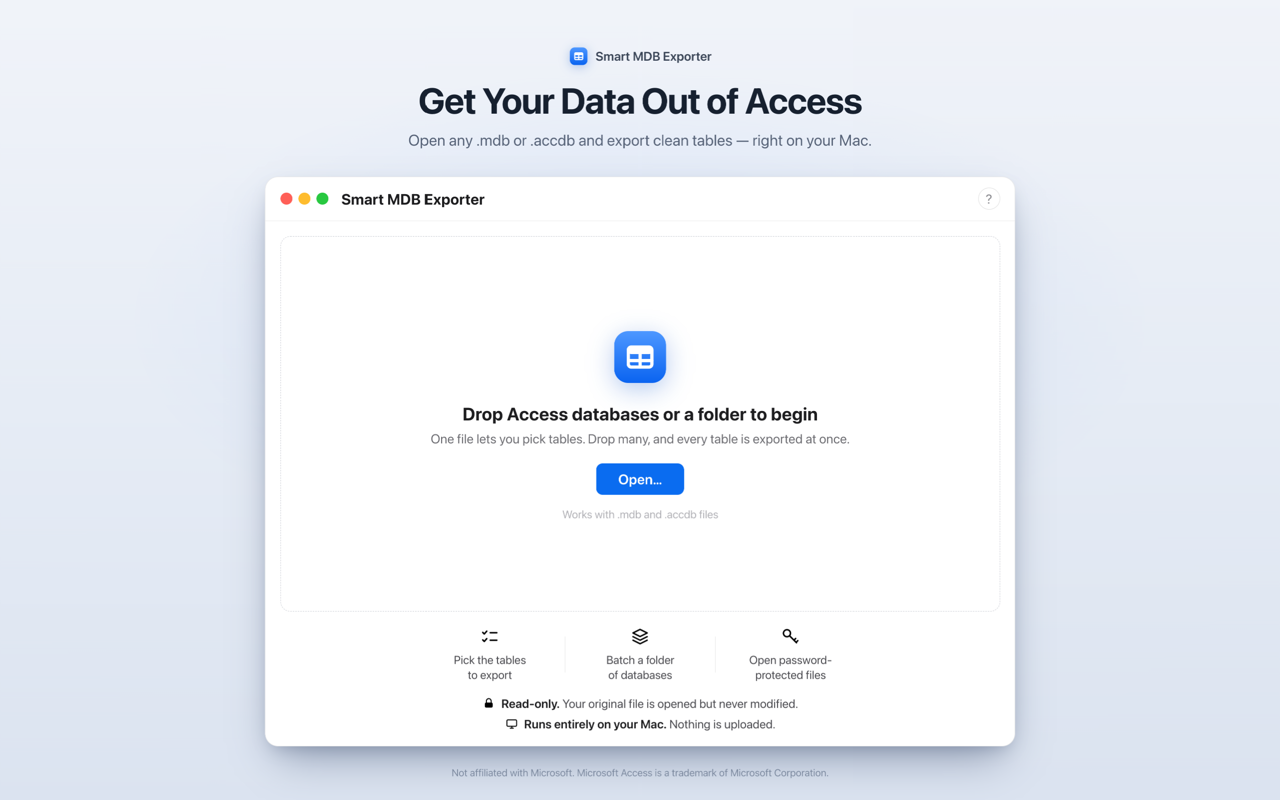
Get your data out of Access — cleanly
Point Smart MDB Exporter at a .mdb or .accdb file, pick the tables you want, choose CSV or SQLite, and export. No Microsoft Office, no Windows, no accounts — and nothing is ever uploaded.
What it does
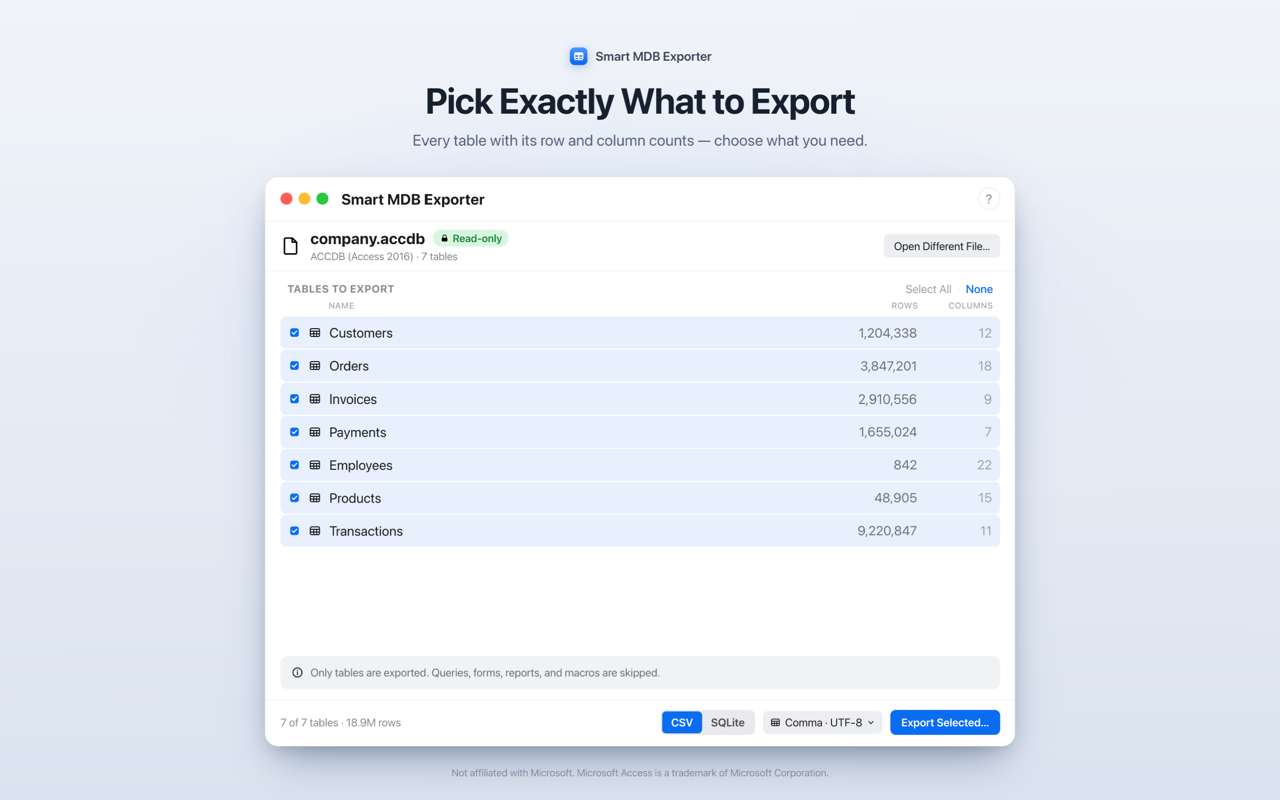
- Pick exactly what to export — every table listed with its row and column counts, so you take just what you need.
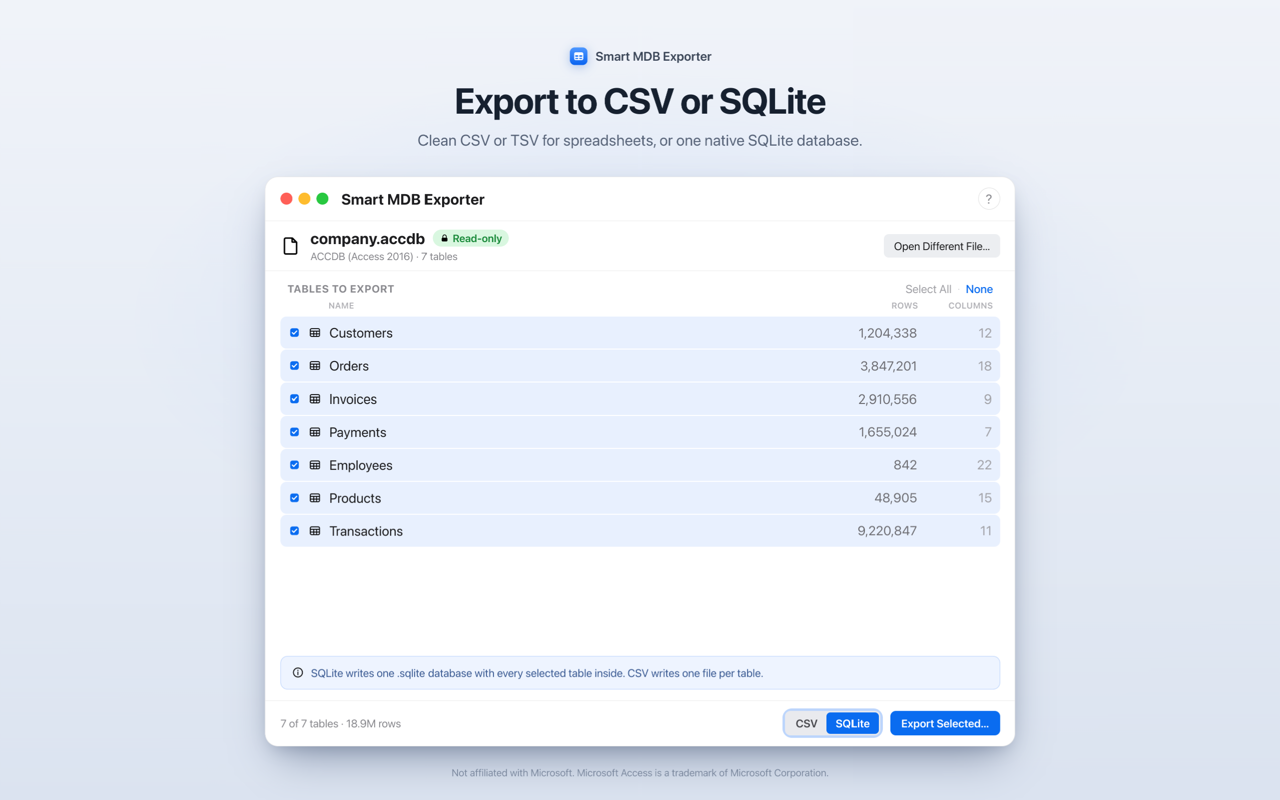
- CSV or SQLite — comma, semicolon, or tab-separated CSV (UTF-8, optional BOM for Excel), or one ready-to-open SQLite database — ideal for migrating off Access.
- Batch a whole folder — drop dozens of databases and each exports into its own tidy folder.
- Exports password-protected files — encrypted
.accdb? Enter the password and export. No Windows or Parallels needed. - Honest reporting — exact row counts, clearly flagged skips, and a summary (readable text plus machine-readable JSON and CSV) saved with every run.
Private by design
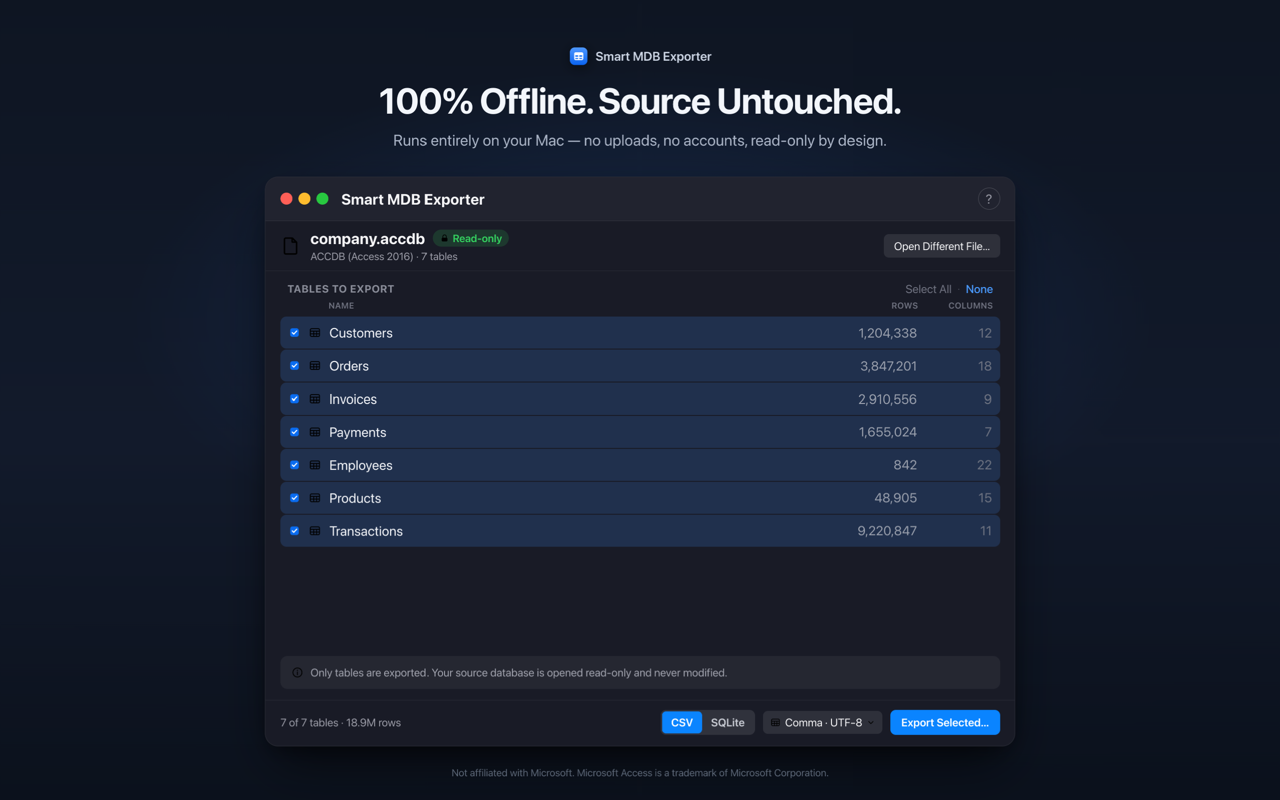
- Read-only — your original database is opened but never modified.
- 100% offline — runs entirely on your Mac. No uploads, no accounts, no tracking, no analytics.
- No subscription — a simple, one-time purchase.
Requirements
macOS 14 (Sonoma) or later. Universal — Apple silicon and Intel.
Questions? Contact support.